
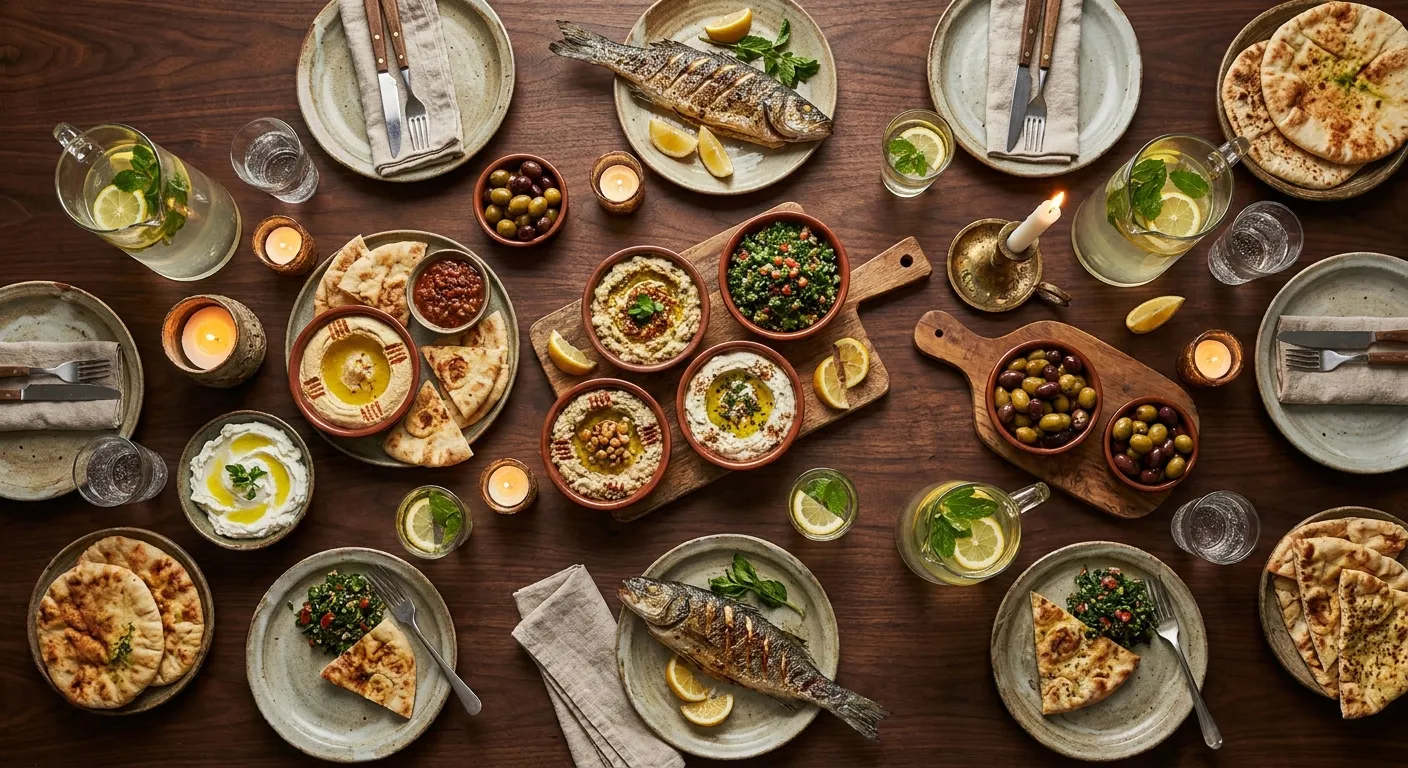
 Open a live menu and ask the AI waiter anything
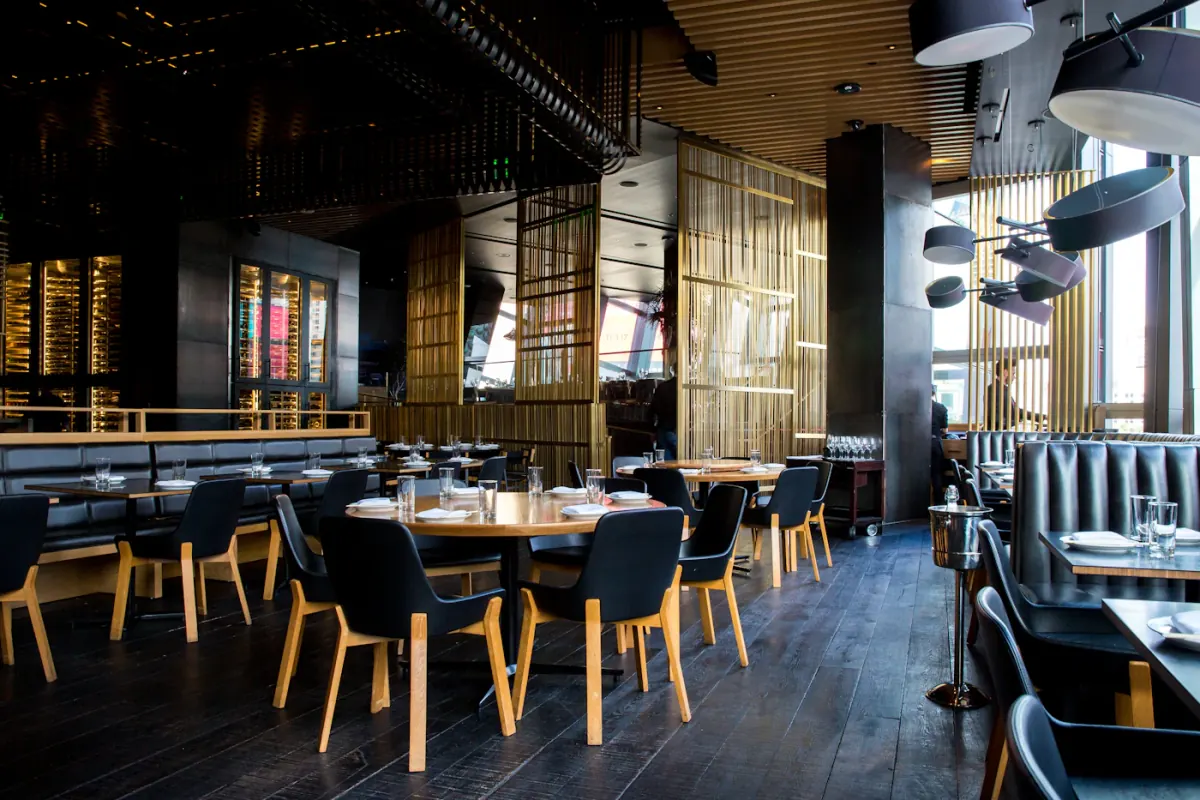 See how tamr works, from menu to first question
Digital menu for restaurants
Your digital menu on every phone, live in about 20 minutes
tamr is a digital menu for restaurants that your customers open on their phone, from the code on the table or the link in your bio. Upload your menu as a PDF or a photo, paste a link, or import it from your POS, and it is live in about 20 minutes with your own logo and colours. The menu is free.


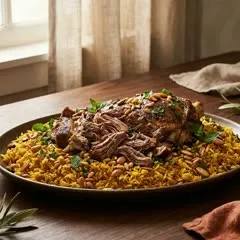
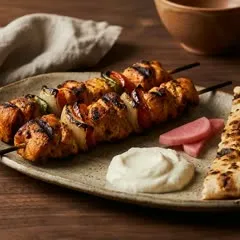
Upload your menu as a PDF or a photo, or paste a link, and tamr reads every section, dish, price and description for you. Then you check the result. A Needs column shows each dish that is missing a price, a photo or a description, so you only fix what needs fixing before you publish.
A PDF, photos or a link
A PDF however it was designed, photos of a printed menu, or the link to your menu page. With Pro you can also import from your POS.
Photos follow the text
Dish photos from your source fill in a moment after the dishes. Add or change any photo yourself.
Nothing is live until you publish
The menu stays a draft while you check it. Publish when it looks right.
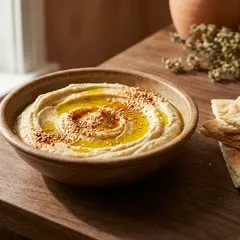
tamr has twelve menu templates, from a photo grid to a classic price list, and every one takes your logo and your brand colour. Classic and Compact are free. The other ten templates, your own fonts and a second brand colour come with Pro, so the menu can look like the one you print.
Twelve templates
Classic, Compact, Grid, Magazine, Ledger, Atelier and six more. Switch any time from the menu editor.
Your logo and colour on every plan
Your logo and your main brand colour work on the free plan too, with any of the free templates.
Your own typeface
On Pro, upload the font from your printed menu so both read the same.

One menu can serve all your locations, and each location keeps its own hours, its own table code and its own notes for the AI waiter, like where to park. You write the menu once in one language, add the languages you want to serve, and tamr translates it. Arabic reads right to left.
Switch a menu on per location
A location can serve the main menu, a summer menu or both.
A code for each location
Each location has its own code, so specials and questions are counted where they happened.
Translated for you
Choose the languages and tamr translates your dishes. Adding a language is part of Pro.
A special puts one dish at the top of your menu for the time you choose, at one location or at all of them, and the AI waiter leads with it. Your menu home can also carry a promotional banner, an announcement bar, your chef's picks and a short story about your restaurant.
Specials on a timer
Set a start and an end, or pause a special and keep its headline for next time. Specials are part of Pro.
Sections for your menu home
Banner, announcement bar, chef's picks, a spotlight category and your story. Turn each one on or off.
A popup for big news
A full-screen moment for a launch or an event, shown once per visit or once ever. Popups are part of Pro.

Your customers open your menu on their phone from the code on the table or the link in your bio. There is no app to download and no account to make. You get one link and a print-ready table code, and each location gets its own code. New to this? Read what a QR code menu is.
One link everywhere
Your table code, your Instagram bio and your Google profile all open the same menu.
Ready to print
Download the table code as PNG or SVG, with the margin printers need.
What is tamr's digital menu?
It is your restaurant's menu on your customers' phones. They open it from the code on the table or the link in your bio, with no app and no account. It shows your dishes, photos, prices and dietary tags in your own design, and the AI waiter inside it answers their questions about the food in the language each customer writes in.
How do I turn my PDF menu into a digital menu?
Upload the PDF, photos of your printed menu, or paste the link to your menu page. tamr reads every section, dish, price and description, and a Needs column shows any dish that is missing a price, a photo or a description. Fix those, pick a template, publish, and print your table code. It takes about 20 minutes.
Can I change a price or mark a dish as sold out?
Yes, at any time from the menu editor. A published menu updates within about 30 seconds of an edit. To take a dish off for a while, switch it to unavailable for one hour, the rest of today, or until you switch it back. It is hidden from your customers and from the AI waiter, and nothing is deleted.
Can the menu use my own design?
Yes. There are twelve templates, and every one takes your logo and your brand colour. Classic and Compact are free. The other ten templates, your own fonts and a second brand colour come with Pro. You can switch template at any time, and the phone preview in the editor shows the change at once.
Does it work for several locations and languages?
Yes. One menu can serve all your locations, and each location has its own hours, its own table code and its own notes for the AI waiter. You write the menu in one language and choose the others to serve, and tamr translates it. Arabic reads right to left. Adding a language is part of Pro.
Is the digital menu free?
Yes. The menu and the AI waiter are free at every location, with no card. Pro is $100 per location per month and adds the owner's dashboard, specials and popups, all twelve templates, translations and import from your POS. Groups with more than ten locations are priced per deal.
AI waiter
The assistant inside your menu that answers your customers, only from your dishes.
Locations
Every branch from one account, each with its own code, hours and questions.
Integrations
Import your menu from Foodics, BIM POS, Square, Toast and more. Your POS keeps your orders.
Allergens on the menu
How allergen and diet tags work for your customers and for the AI waiter.
Upload your menu as a PDF or a photo, or paste a link. tamr builds it, you check it, and your customers can open it the same day.