









The AI waiter restaurants use to answereverycustomer.

tamr is a QR code menu with an AI waiter inside. Free to start, no card, live in about 20 minutes.

Import your menu from the POS you already use

  • Foodics
  • Square
  • Toast
  • Loyverse
  • Clover
  • Lightspeed
  • BIM POS

Customers ask what is inside a dish, what to share and what is safe for them. The AI waiter answers from your menu.

  • Answers from your real menu

    The AI waiter reads the dishes, prices and descriptions you already have. It only suggests dishes that are on your menu and never makes one up.

  • Knows allergies and diets

    It uses the allergens and diet tags on your dishes. A customer who says “no nuts” sees the dishes that fit, with a reminder to confirm with your staff.

  • Replies in your customer's language

    It answers in the language and script the customer writes in, including Arabic typed in Latin letters. There is nothing to set up.

Your customers get a waiter on their phone. They open your menu, ask anything about a dish and get an answer from your real menu, in their own language. They can check allergies and diets, and the whole table can build one order together.

Customers ask about spice, portions or what is inside a dish. The AI waiter only talks about dishes that are on your menu, so it never makes things up.

See how the AI waiter works

The AI waiter checks the allergens on your menu and points to the dishes that fit. It also tells the customer to confirm with your staff.

Put allergens on your menu

The AI waiter replies in the language your customer writes in, whatever it is. That includes Arabizi, Arabic typed in Latin letters, the way many people in Lebanon text.

See how the AI waiter replies

Everyone at the table adds dishes from their own phone to one shared list, with suggestions that fit what is already on it. Then they show it to your server to order.

See group ordering

Your customers ask about spice, allergies, diets, what to share and what fits a budget. The AI waiter answers each one from your real menu, in the customer's own language, and it only ever suggests dishes that you actually serve.

  • What's good for two people?

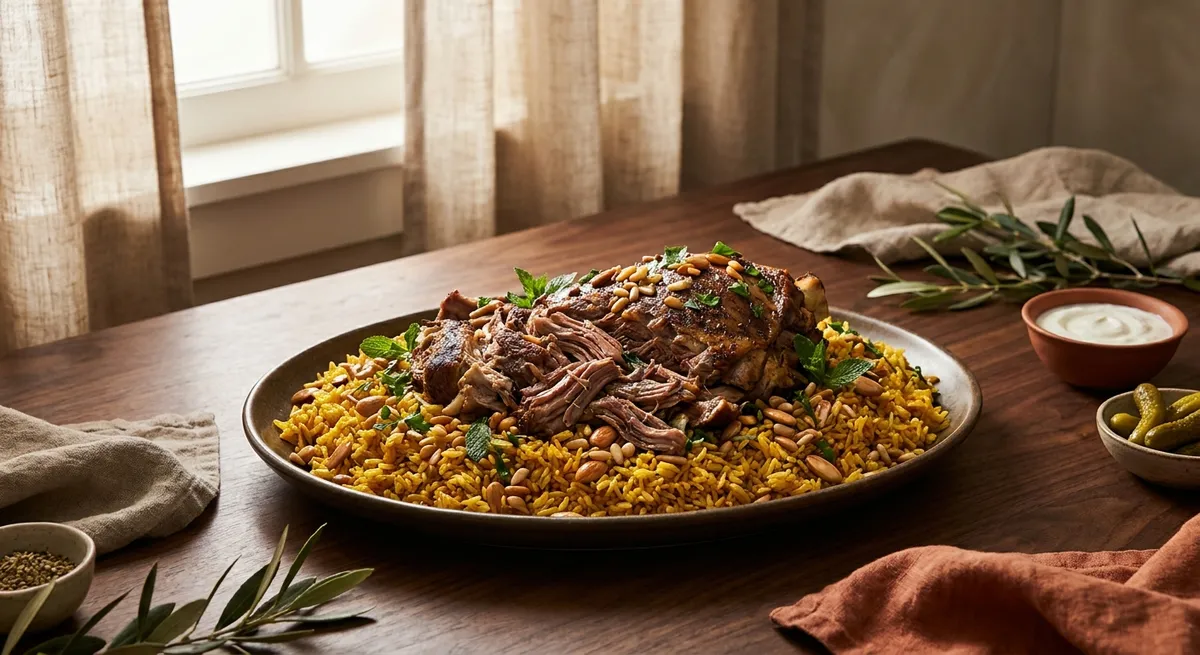
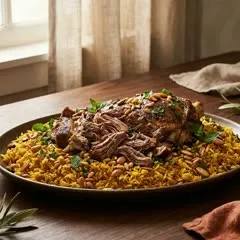
    Share the Lamb Ouzi.

    English
  • Qu'est-ce que vous recommandez ?

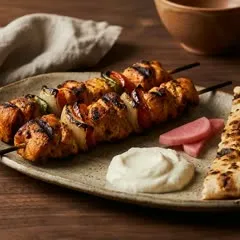
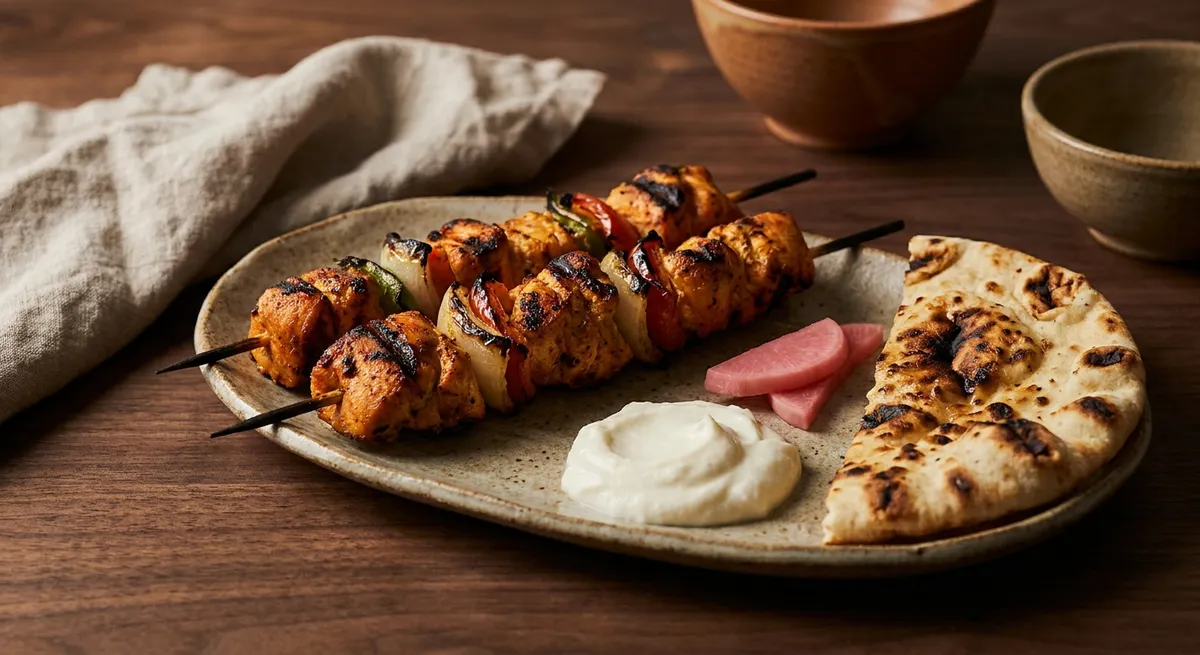
    Le Shish Taouk, 14 $.

    Français
  • Is the taouk spicy?

    Medium. Ask for it mild.

    English
  • في شي بلا مكسرات؟

    أكيد، الحمص بلا مكسرات.

    العربية
  • $25 for two, build us a combo

    A full table for $24.

    English
  • Do you have a vegan dessert?

    No, both have dairy.

    English
  • ¿Qué me recomiendas?

    El Shish Taouk, 14 $.

    Español
  • What is your most loved dish?

    The Shish Taouk, $14.

    English
  • Anything without nuts?

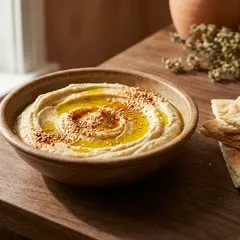
    Yes. Try the hummus.

    English
  • شو بتنصحني؟

    جرّب الشيش طاووق.

    العربية
  • Something light, no dairy

    Shish Taouk or hummus.

    English
  • What goes well with the lamb?

    A fresh mint lemonade.

    English
  • C'est épicé ?

    Moyen, ou doux.

    Français
  • shu a7la shi 3andkon?

    Jarreb el Shish Taouk, 14 $.

    Arabizi
  • Is there anything gluten free?

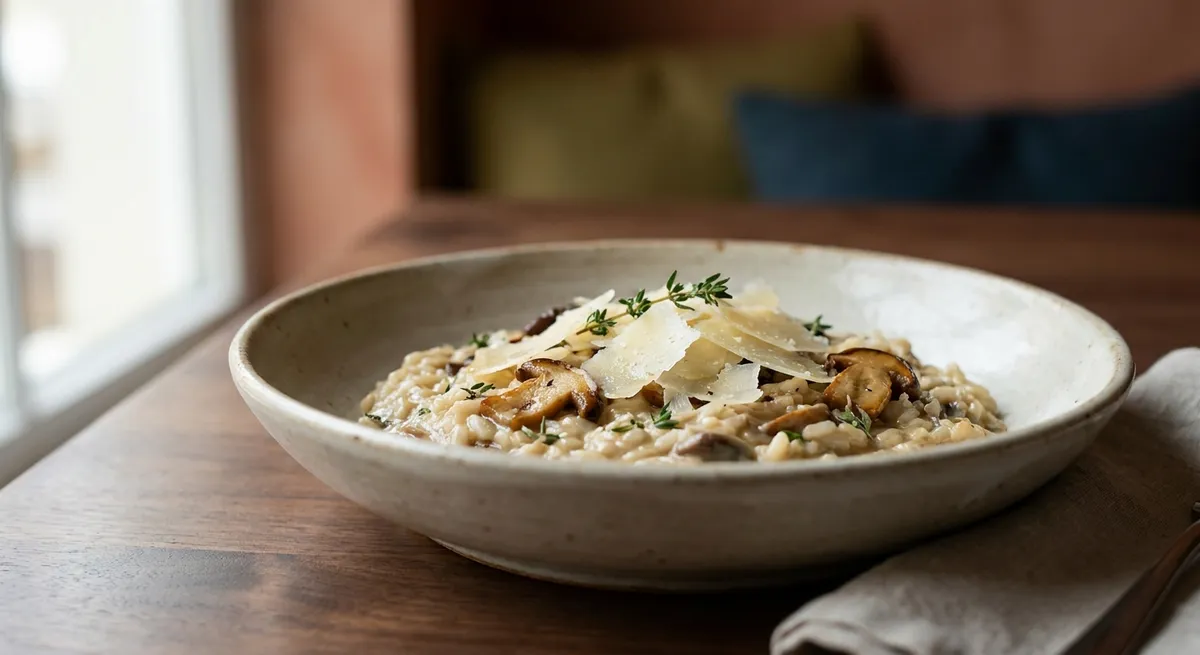
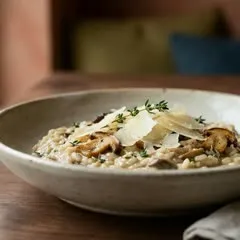
    Yes, the risotto.

    English

Every question your customers ask shows up in your dashboard as the conversation happens. You see what they want, which allergens come up, and the questions your menu could not answer, while the customer is still at the table.

Every conversation, as it happens

A customer asks the AI waiter on their phone, and the conversation appears in your Conversations list at the same moment. You see the question, the answer, the branch and the language.

What they ask most, and what is rising

Insights adds up every conversation. You see the questions asked most, the topics that grow week to week, and the questions the AI waiter could not answer, so you know what to add to your menu.

Ask Tamr AI, in your dashboardNew

Ask your own data. Approve the change.

Ask about your menu and your customers in plain language, the way you would ask your manager. When Tamr AI suggests a change, nothing changes on your menu until you press Approve.

Upload your menu as a PDF, a photo, a link or from your POS. tamr reads it and builds your menu, you add your logo and colours, and your customers can start asking the AI waiter in about 20 minutes.

  1. 1

    Upload your menu

    Upload your menu as a PDF, a photo or a link, or import it from your POS. tamr reads the dishes and prices from it.

  2. 2

    Make it yours

    Pick one of ten menu templates. Add your logo, your colours and your font, so the menu looks like your restaurant.

  3. 3

    Customers start asking

    Customers open your menu from the code on the table or the link in your bio. They ask the AI waiter in their own language and get answers from your real menu.

The menu and the AI waiter are free at every location. Pro adds your dashboard, priced per location.

Free

For putting your menu and the AI waiter live.

$0

at every location

no card needed

Put your menu live, free

Everything your customers use

  • Your menu, with your logo, colours and photos
  • The AI waiter, in your customer's language
  • Allergen and diet tags on every dish
  • Group ordering, the table orders together
  • Every location you run

Pro

For owners who want to see what customers ask, and act on it.

$100

per location, a month

billed monthly

Start with Pro

Everything in Free, plus

  • Every conversation, searchableFree: 3 latest
  • Ask Tamr AI, 150 questions a dayFree: 5 a day
  • Every dashboard login you needFree: 1 login
  • Trends, opportunities and branch comparison
  • Your menu in more languagesFree: 1 language
  • Your own fonts and all 13 templatesFree: 2 templates
  • POS sync, popups and CSV export

Multi-branch

For groups with more than ten locations.

Custom

for the whole group

priced per deal

Talk to us

Everything in Pro, plus

  • One price for every branch
  • Priority onboarding, branch by branch

Compare every feature

Straight answers on the AI waiter, the price, set-up and your POS.

Read the help centre

What is an AI waiter?

An AI waiter is an assistant inside your digital menu that answers your customers in plain language. With tamr, a customer opens your menu on their phone and asks something like “something light, no dairy”. The AI waiter answers only from your real menu, in the language your customer writes in. It suggests pairings, compares dishes and shows only what a customer can eat.

How is tamr different from a normal QR code menu or a PDF menu?

A PDF or a normal QR code menu can only show your dishes. tamr shows them too, and then your customers can ask about them. The AI waiter answers from your menu in your customer's own language, shows only the dishes that fit a diet, and lets the whole table order together. You also see every question your customers asked, which a PDF can never tell you.

How much does tamr cost?

The menu and the AI waiter are free at every location, with no card. Pro, the owner’s dashboard, is $100 per location per month. Groups with more than ten locations are priced per deal. You can pay monthly or yearly, and the full list of what each plan includes is on the pricing page.

How long does set-up take, and what do I need?

About 20 minutes. Upload your menu as a PDF, a photo or a link, or import it from your POS. tamr reads your dishes, prices and descriptions, and you check the result before it goes live. Then you pick one of ten templates, add your logo, colours and font, and print the code for your tables.

Does tamr work with my POS?

Yes. tamr can import your menu from Foodics, BIM POS, Square, Toast, Loyverse, Clover and Lightspeed, so you do not type it again. Your POS keeps running your orders and bills exactly as it does today, and tamr sits beside it as the menu your customers read and ask. If your POS is not on the integrations list, upload a PDF, a photo or a link.

How does the AI waiter handle allergies?

Your customer tells the AI waiter what they cannot eat, for example “no nuts”, and sees only the dishes on your menu that are marked safe. The answer comes from the allergen tags on your dishes, and it always adds a line asking the customer to confirm with your staff. You also see which allergens your customers ask about most.

Which languages does the AI waiter speak?

Your customer's own language. The AI waiter sees the language and the script a customer writes in and answers in the same one, from the same menu. That includes Arabic written in Latin letters, the way many people in Lebanon type it. So one table that mixes Arabic, French and English is served by one menu.

Do my customers need to download an app?

No. Your customers open your menu on their phone, with the code on the table or the link in your bio, and it loads in the browser like any web page. There is no app to download and no account to create. They can start reading your menu and asking the AI waiter straight away.

What do I see as the owner?

On Pro, Insights shows what your customers asked, the allergens they asked about most, rising topics, your most loved dishes, your busiest hours and the questions the AI waiter could not answer, so you know what to fix. With Ask Tamr AI you ask about your own data in plain language, and menu changes apply only after you press Approve.

Can customers order and pay through tamr?

They can order together. Group ordering is live: the whole table builds one order in My table, each person on their own phone, and shows it to your server to order. Your server rings it up on your POS, and your bills stay there.

Upload your menu, add your logo, and your customers can start asking tonight. Free to start, no card.