
Integrations
QR menu POS integration without typing your menu again.
tamr's QR menu POS integration imports your menu from Foodics, BIM POS, Square, Toast, Loyverse, Clover or Lightspeed, and reads Omega, Weevi and LoyaltyFeed menus from their link. Your POS keeps the bills and the kitchen, and your customers get a menu that answers their questions.

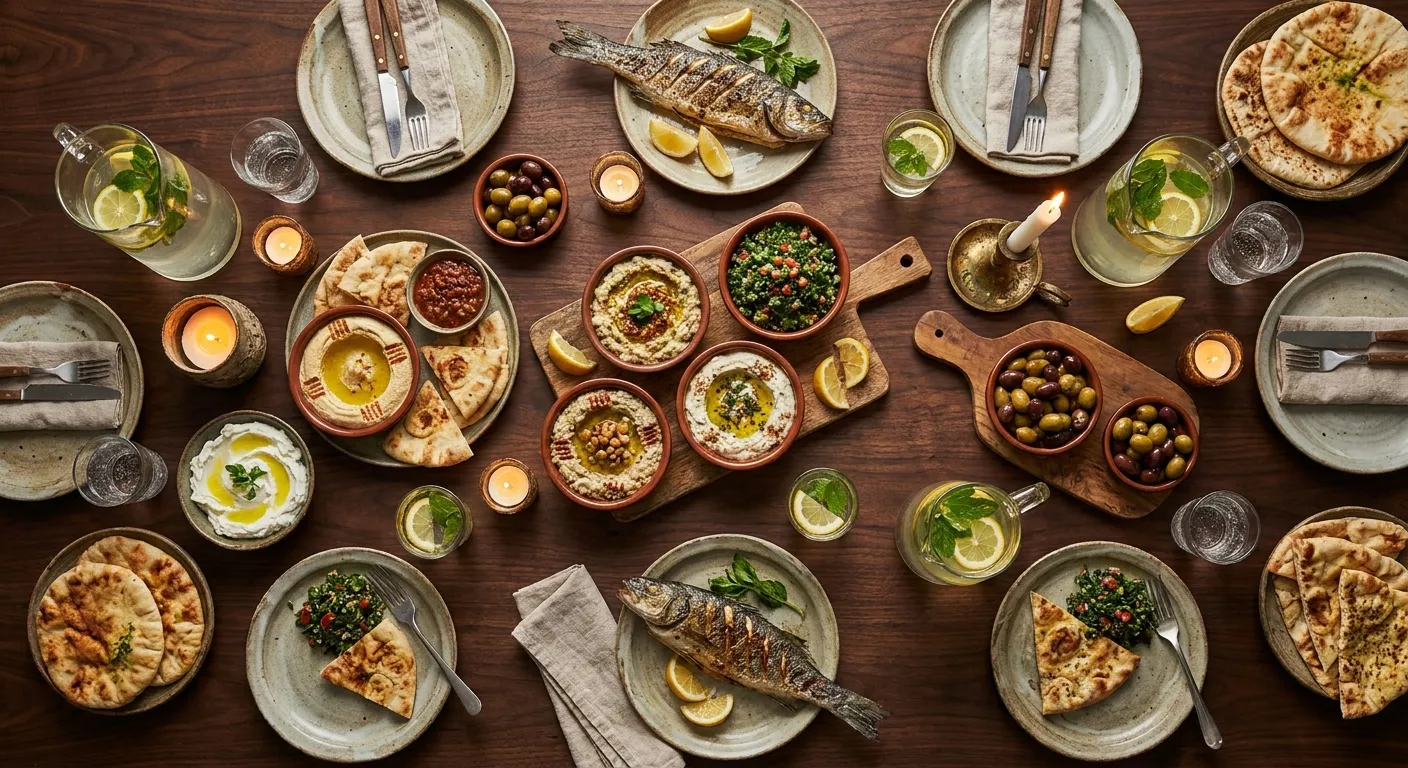

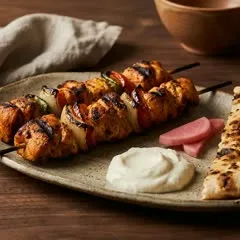

tamr connects to your POS for one job: reading the dish names, descriptions, prices, categories and photos you already entered. It never reads your sales reports or your stock.
Dishes, prices and categories
Photos too, when your POS has them.
Sales and stock stay in your POS
tamr does not sync on its own. Press Sync now and tamr updates the menu you already have: new dishes are added, prices you have not changed follow your POS, and dishes your POS dropped are marked unavailable. The code on your tables still opens it.
Your tags stay
Allergen and diet tags, photos and translations are kept.
Your edits in tamr win
A dish you changed in tamr keeps your version.
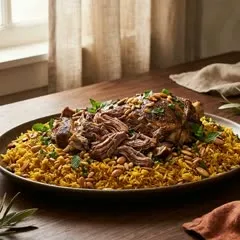
On Pro, the whole table builds one order on their own phones with My table and sends it from the menu. It lands in your dashboard and the Service app. tamr does not send orders into your POS: your team rings it up there as today.
Everyone adds from their own phone
Rung up on your POS as today

On the free plan, tamr reads the dishes and prices from whatever menu you have, and you check them before anything goes live.
How the digital menu worksA PDF
One file, however it was designed. tamr reads every page.
Photos
PNG, JPEG or WebP, one per page. tamr puts them together.
A link
Your menu page, or your Omega oMenu, Weevi or LoyaltyFeed link.
Seven POS systems connect directly, and three online menu services are read from their link, Omega's oMenu among them. If yours is missing, upload a PDF, a photo or a link instead.

Foodics
POS · menu import

BIM POS
POS · menu import

Square
POS · menu import

Toast
POS · menu import

Loyverse
POS · menu import

Clover
POS · menu import

Lightspeed Restaurant
POS · menu import
Any other POS
PDF, photo or link
Online menu services, read from a link
Omega oMenu
For restaurants on Omega POSWeevi
Paste your menu link
LoyaltyFeed
Paste your menu link
tamr is not a POS and is not affiliated with the companies named here. Their names and logos belong to them.
What tamr reads from your POS, what it leaves alone, and what happens when your menu changes.
Which POS systems does tamr work with?
tamr imports your menu from seven POS systems: Foodics, BIM POS, Square, Toast, Loyverse, Clover and Lightspeed Restaurant. You connect the POS once in Settings, then press Sync now to bring in your dishes, prices and categories, with photos when your POS has them. Menus on Omega oMenu, Weevi and LoyaltyFeed are read from their link.
I use Omega POS in Lebanon. Can I use tamr?
Yes. Paste your Omega oMenu link into tamr and it reads your dishes, prices and categories from there, so you keep Omega for the bills and the kitchen. Your customers then open a tamr menu with the AI waiter on it. This reads the menu only; it does not connect Omega for orders.
Does tamr replace my POS or see my sales?
No. tamr is not a POS, and it reads your menu from your POS and nothing else: never your sales reports or your stock. What tamr counts is what happens on your menu, the dishes customers pick, the orders they send from it and the questions they ask the AI waiter.
Does my tamr menu update when I change a price in my POS?
When you press Sync now. tamr does not sync on its own. A sync updates the menu you already have, so the code on your tables still opens it: new dishes from your POS are added, prices you have not changed in tamr follow your POS, and a dish you removed from your POS is marked unavailable rather than deleted. A price or description you changed in tamr is kept.
What happens to my allergen tags when I sync again?
They stay. A sync updates the menu you already have: allergen and diet tags, photos you uploaded and translations stay on each dish, and a price or description you changed in tamr is kept. New dishes from your POS are added, and a dish you removed from your POS is marked unavailable rather than deleted. Your POS does not send allergen tags, so add them in tamr once and they carry over every sync.
Does tamr send orders to my POS?
No. tamr imports your menu from your POS but does not send orders into it. On Pro, with My table, the whole table builds one order on their own phones and it lands on your tamr dashboard and in the Service app, where your team accepts it, keys it into the till as usual and marks it In the till. Your POS keeps handling the bill.
Which plan do I need to connect my POS?
Connecting a POS is part of tamr Pro, as are ordering from the table and the Service app, at $100 a month for your first location and $70 for each one after. On the free plan you can still import your menu from a PDF, photos or a link, and the menu and the AI waiter answering customers stay free for one location.
My POS is not on the list. Can I still use tamr?
Yes. Upload your menu to tamr as one PDF, as photos of each page in PNG, JPEG or WebP, or as a link to your menu page. tamr reads the dishes and prices and you check them before the menu goes live. Tell us which POS you use, because restaurants asking is how new systems get added.
Do customers need an app to use the menu?
No. Customers open your tamr menu from the code on the table or the link in your bio, and nothing gets installed. The AI waiter on it replies in any language the customer writes in, Arabic and Arabizi included, while your POS carries on with the bills exactly as before.
Try it with your menu tonight, from a PDF, a photo or a link. Or book a demo and see your own menu come in from your POS.
Or send us your menu on WhatsApp and it is live today.