
Links page
A restaurant link in bio page that opens on the food.
Your Links page is the one page behind your Instagram bio, your Google profile and the code at your door. Customers land on your menu and the AI waiter first, with booking, directions, WhatsApp and calling one tap below. It's built from your brand kit, and free to start.

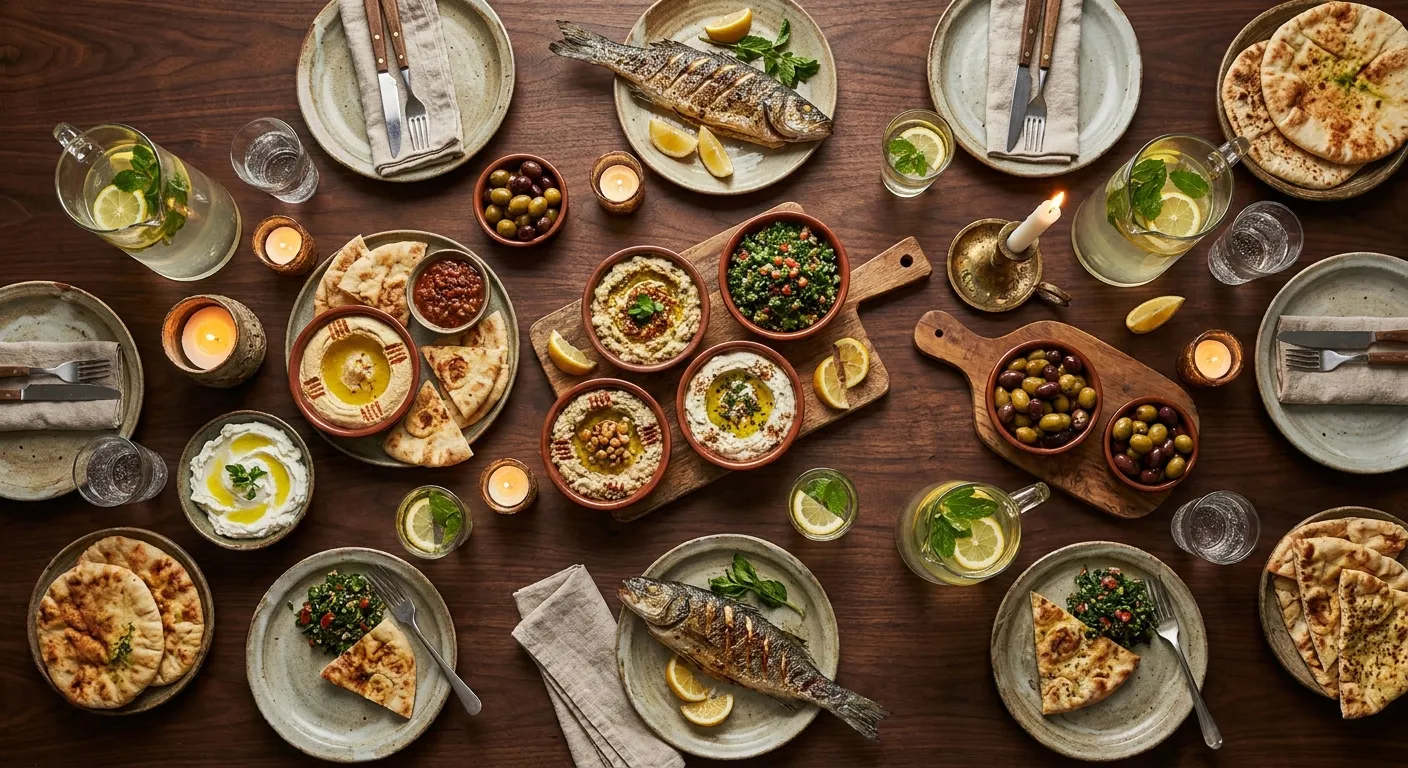
Upload your logo and tamr suggests your colours from it. Your Links page and your menus share one brand kit, so you pick a look, adjust the photos, header, buttons and blocks, and press Publish.
Menu and AI waiter first
Everything else sits in one row below.
No empty buttons
No Wi-Fi password set, no Wi-Fi button.
A seated customer doesn't need a welcome page, so table and location codes always open your menu, and tamr knows which table is asking. Your own link and the one code for the whole restaurant open the Links page.
Or skip the page entirely
Under “What your link opens”, choose The menu.
Every code labelled, ready to print
Or save them all as a PDF.
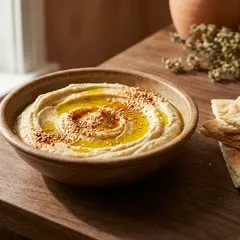
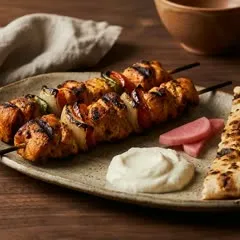
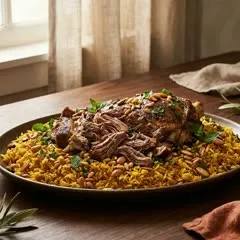
When a supplier raises prices, you edit the dish once in tamr. The link in your Instagram bio and on Google opens that same menu, so customers see the new price there too. The AI waiter answers from the same menu, so it never quotes yesterday's price.
One place to edit
Every link and table code opens the menu you just changed.
Sold out means sold out
Switch a dish off and the AI waiter stops offering it.
Each button comes from your own details, and only shows once you have set it up.
See the menu
Your dishes, photos and prices, in the customer's own language.
Ask the AI waiter
Dishes, allergies and parking, answered in any language, Arabizi included.
Book a table
Bookings land in your dashboard, next to the rest of the evening.
Find you
Directions, opening hours and every location, nearest first.
Wi-Fi and reviews
Your Wi-Fi in one tap, and your Google review link for after the meal.
Your own links
Up to 12, like catering, gift cards or your website, plus your socials.
What is a Links page?
A Links page is tamr's link in bio page for restaurants: one page behind your link, in your own brand. Customers who open it from your Instagram bio, your Google profile or the code at your door land on your menu and the AI waiter first, then booking, directions, WhatsApp and calling, your own links and your socials.
Where should I put my link?
Put your tamr link anywhere customers find you before they arrive: your Instagram bio, your Google Business Profile, your WhatsApp profile, flyers and the code at your door. It is the same link everywhere. The Links page & QR screen in your dashboard gives you the link to copy and the code to print.
Do the QR codes on my tables open the Links page?
No. tamr's table and location codes always open your menu directly, so a customer who is already seated is one tap from the dishes and the AI waiter, and tamr knows which table is asking. Only your restaurant's own link, and the one code for the whole restaurant, open the Links page.
Can my link still open the menu directly?
Yes. In tamr, under “What your link opens”, you choose Links page or The menu. Pick The menu and your link goes straight to your dishes. Your Links page design is kept either way, so you can switch back at any time without rebuilding anything.
Does the Links page use my logo and colours?
Yes. tamr builds it from your brand kit: your logo on light and on dark, your main and second colour, background, text colour, and your heading and text fonts. Upload your logo and tamr suggests colours from it. Your menus use the same brand kit, so the page and the menu match.
What can customers do from the page?
From a tamr Links page customers can see the menu, ask the AI waiter, book a table, get directions, message you on WhatsApp, call, join your Wi-Fi and leave a Google review, plus up to 12 links of your own and your socials. Each button shows only when you have set it up, so the page never shows an empty one.
If I change a price, where does it update?
Everywhere a tamr link opens your menu. Change a dish, a price or a photo once in tamr and it updates on your menu, behind your table codes and behind the links in your Instagram bio and on Google. Delivery apps keep their own menus, so update those there. The AI waiter answers from the same menu, so it never quotes an old price, and a dish switched off for the day stops being offered.
Is the Links page free?
Yes. tamr's Links page is free with the Classic look, your photos and your buttons. More looks, your own colours and fonts, and taking bookings come with Pro. The pricing page shows what each plan includes and what Pro costs per location.
Digital menu
The menu your link opens, live from your PDF in about 20 minutes.
AI waiter
Answers your customers' questions from your menu, in their language.
Bookings
The tables booked from your page, seated on your floor plan.
tamr on WhatsApp
A morning message about your restaurant, and answers when you ask.
Book a demo and we walk you through it, or start free and publish your Links page tonight.
Or send us your menu on WhatsApp and it is live today.