Ask Tamrbot
What Tamrbot is, the starter questions, how it uses your data, and chat history.
Ask Tamrbot is a plain-language way to interrogate your own numbers. Instead of reading charts, you ask a question and it answers with your restaurant's real data. Open it from Ask Tamrbot at the top of the dashboard.
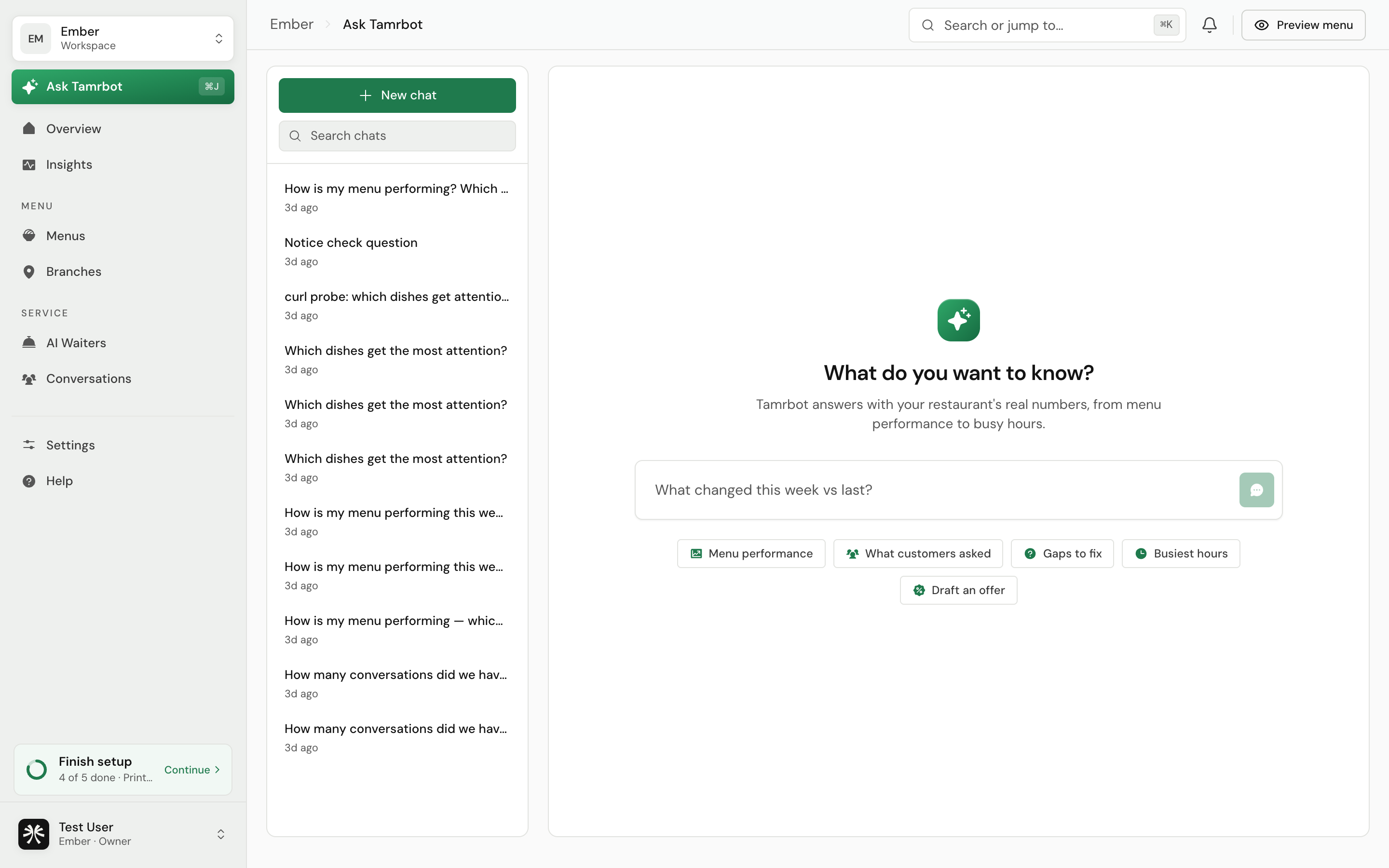
Start from a suggestion
A new chat offers a few starting points. Selecting one fills the question box so you can send it or edit it first.
- Menu performance, which dishes get attention and which are ignored.
- What customers asked, the most common questions this week.
- Gaps to fix, where the waiter is failing or falling back.
- Busiest hours, your volume by hour.
- Draft an offer, a promotion built around your most-asked-about dishes.
How it works
- 1Ask a question
Type anything about your restaurant, for example "which dishes get ignored?" or "what should I fix this week?".
- 2Tamrbot answers with your data
It reads your real numbers for the period in context and replies in plain language, with tables and lists where they help.
- 3Keep the thread or start fresh
Follow up in the same chat to go deeper, or start a new chat for a new topic. Your chats are saved in the history rail and are searchable.
Selecting a starter question or opening Tamrbot from an insight only fills the box. You always send it yourself, so you can adjust the question first.
FAQ
Is this the same as the AI waiter?
No. The AI waiter answers your customers about the menu. Tamrbot answers you about your data. Different jobs, different place.
Does it make numbers up?
Tamrbot answers from your restaurant's actual data. If it does not have the data to answer, it tells you rather than guessing.
Can I get back to an old answer?
Yes. Past chats are kept in the history rail and you can search them.
Related
Last reviewed July 16, 2026