
Learn the core concepts
Restaurant, location, menu, dish, the AI waiter, conversation, Service mode, Ask Tamr AI, and the Free and Pro plans.
A few words show up across the whole dashboard. Learn them once and the rest of tamr reads easily.
The building blocks
Restaurantyour workspaceLocationone addressMenuwhat customers seeDishmenu itemBrandlookThe AI waiter and conversations
The AI waiterfor customersHouse ruleswhat it knowsConversationone chatNeed youwaitingAsk Tamr AIfor youService mode
Service is the full-screen version of tamr for the tablet on the host stand: the live floor, orders and Need you, in large, touch-sized controls. Reservations is a second full-screen app with bookings only, for whoever takes them. Open either from Service & Reservations at the foot of the sidebar. Both are Pro. See Service mode →.
Free and Pro
tamr has two plans. Pro is priced per location. Neither plan sells conversations in packs or top-ups.
| Free | Pro | |
|---|---|---|
| Your menu and the AI waiter, every location | Yes | Yes |
| Team members | 1 | Unlimited |
| Conversations you can read in full | Newest 3 | All |
| Ask Tamr AI questions a day | 5 | 150 |
| Insights | Summary report | Every report |
| Bookings, Floor, Orders and the Service and Reservations apps | No | Yes |
| Campaigns, On the House and the Feedback card | No | Yes |
| AI photos, AI descriptions and auto-translate | No | Yes |
| Your own colours and fonts on the Links page | No | Yes |
| POS sync, WhatsApp and agent (MCP) access | No | Yes |
| Sold out | Yes | Yes |
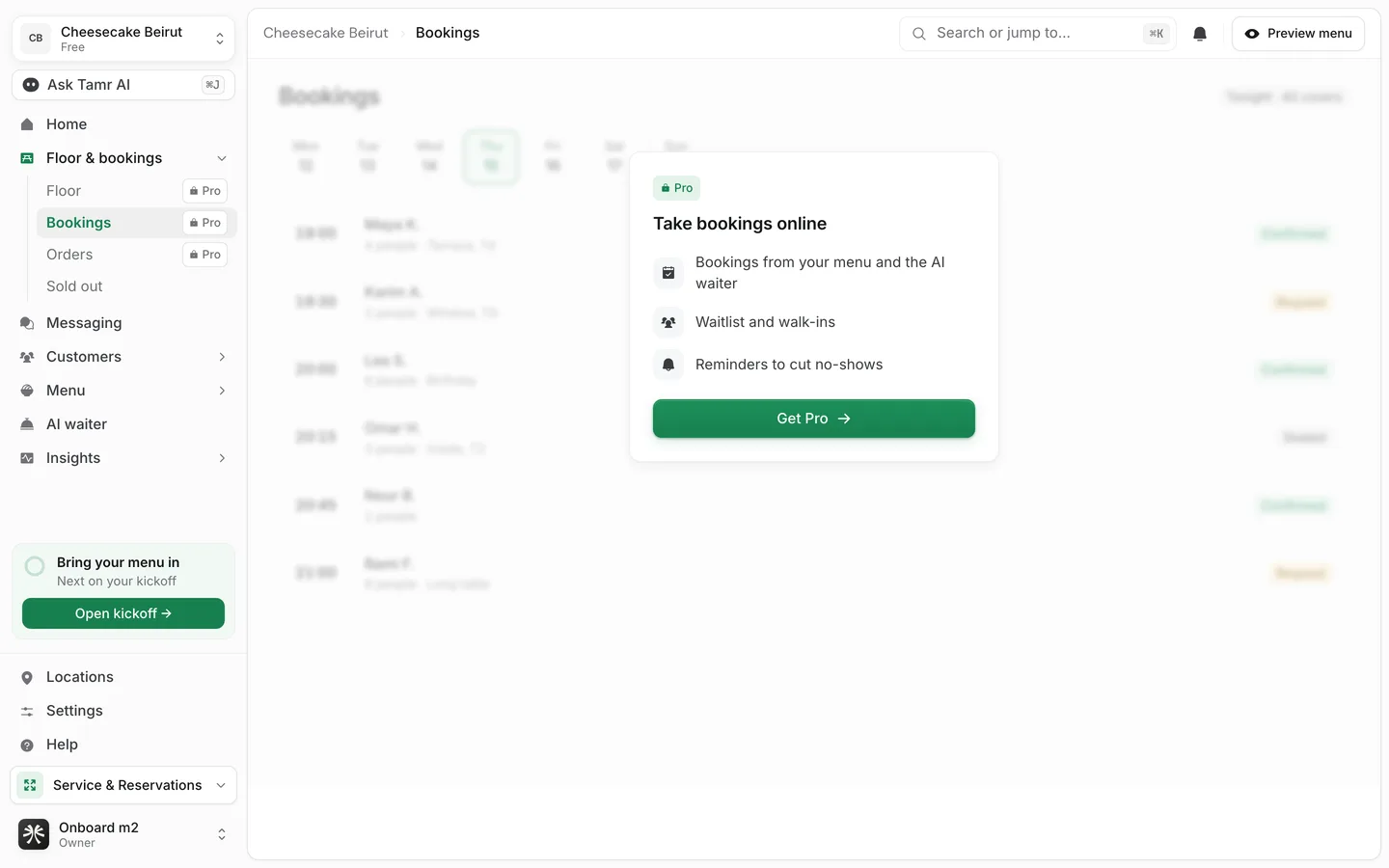
On Free, Pro pages stay in the sidebar with a small Pro mark. Opening one shows a blurred preview of the page with Get Pro. Get Pro is a request: you leave your phone number and the tamr team calls you to set it up. See Plans and billing →.
Each location can hold up to 1,500 AI waiter conversations a month on Free and 5,000 on Pro. The limit is there to stop abuse, not to be bought in packs. Counts reset on the 1st.
How it fits together
You build a menu of dishes, attach the AI waiter, and publish the menu at your locations. Customers scan the code and start conversations. The ones that need a person land in Need you. Everything customers open and ask adds up in Insights, and you act on it from Home or by asking Ask Tamr AI.
FAQ
Is a second address a new restaurant or a new location?
A new location, when it serves the same brand and menus. Add a new restaurant only for a separate business with its own brand.
Does the AI waiter answer differently on Free?
No. Customers of a Free restaurant get the full AI waiter. Free limits what you see and run in the dashboard, not what customers get.
What happens if a location reaches fair use?
tamr tells the owners at 80% and at the limit. At the limit that location stops starting new AI waiter conversations until the 1st, and customers who open the chat are asked to speak to a member of staff.
Related
Last reviewed October 14, 2026