
Act on opportunities in the Money report
The Money report's findings, what each kind means, the figures at the top, and the Did it and Dismiss actions.
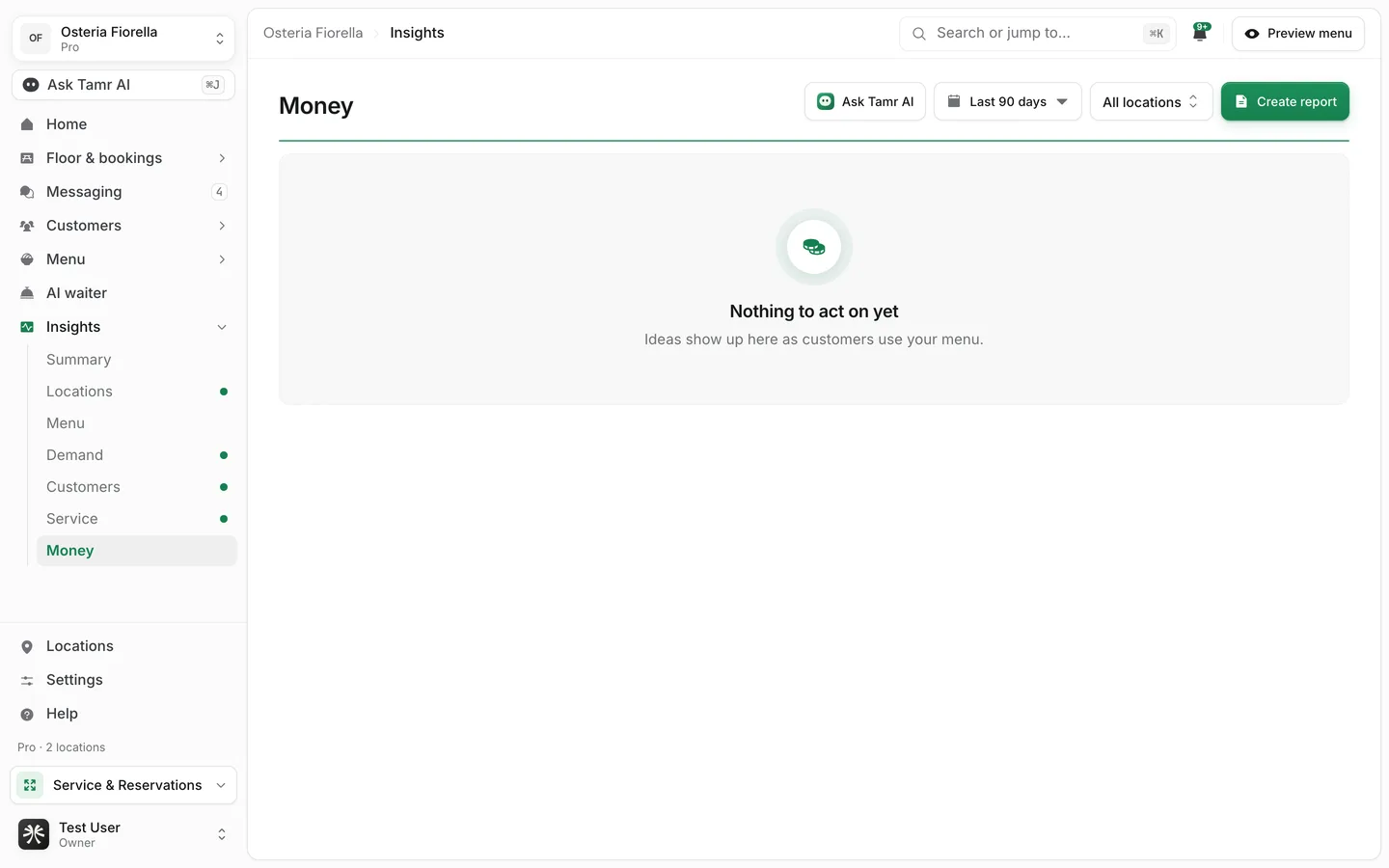
An opportunity is a change tamr can show is worth making, found across many customers rather than one chat: a dish customers keep asking for, a strong dish buried low on the menu, a listing that does not answer what people want to know. Opportunities live in the Money report under Insights.
The Money report is a Pro feature. On Free it opens to a locked preview with sample findings. The Summary report's On the table figure is a count only.
How findings are made
tamr looks at what customers looked at, tapped, searched for and asked the AI waiter, and raises a finding when a pattern repeats. The pass runs nightly over the last 30 days. Each finding carries:
Title and evidencetextConfidencelow · medium · highPicks a monthestimateMoney rangeestimateRead the figures at the top
On the tablepicksBiggest single movepicksYou can do nowcountWorth a lookcountDonecountBelow the figures, Where the picks are draws each change to scale, then the findings are grouped by who does the work: You can do these now (ranked by value, with smaller fixes folded into one line), Worth a look in the restaurant, and Already dealt with.
Kinds of finding
Each kind has its own button that opens the right editor, usually with the dish already selected.
| Finding | What it means | Button |
|---|---|---|
| Missing item demand | Customers keep asking for something you do not sell | Add it to the menu |
| Buried high converter | A dish that gets picked when seen, placed where few see it | Move it up the menu |
| Listing gap | A dish missing a description, price or other detail | Fix the listing |
| Confusing dish | Customers ask about one dish far more than others in its category | Rewrite the description |
| Diet gap | Customers declare a diet that few of your dishes are tagged for | Tag your dishes |
| Translation gap | Customers read in a language your dishes are not translated into | Translate the dishes |
| Pairing | Two dishes often chosen together | Create the combo |
| Dead weight | A dish that takes space without being picked | Decide its fate |
| Price friction | Customers react to a price | Review the dish |
A price concern that does not point at one dish has no button and is marked Done in the restaurant.
Act on a finding
- 1Open Money
In the sidebar, open Insights and select Money.
- 2Check the evidence
Select Why this on a finding to see the conversations and numbers behind it.
- 3Make the change
Select the finding's button, for example Move it up the menu. The editor opens on the dish or setting to change.
- 4Mark it
Back in Money, select Did it when you have made the change, or Dismiss if it does not apply to you. Both move the finding out of the queue.
Did it and Dismiss change what the nightly pass suggests for the whole team, so only owners and admins see them. Everyone else can read the findings and open their editors.
You can also ask Ask Tamr AI about the queue from any panel, for example "Which of these should I do first, and why that one?". See Ask Tamr AI →.
FAQ
Why does Money say Nothing to act on yet?
Findings need enough customer activity to show a pattern. They appear as customers use your menu, and the pass runs nightly.
Why are some findings shown without a number?
When the estimate rounds below one pick a month, tamr says worth doing rather than print a figure it cannot stand behind.
Is the money figure revenue?
No. It prices the estimated picks at your menu prices, before food cost, and some of those customers would have chosen another dish anyway. Treat it as a best case.
Does the date picker change the findings?
No. Findings always cover the last 30 days and are refreshed nightly.
Related
Last reviewed October 14, 2026