
Account and billing overview
Settings, your team, Free and Pro, give a month get a month, and your data.
This section covers everything around the product itself: how you sign in, where settings live, who else can sign in, what plan you are on, how to invite another restaurant, and how customer data is handled.
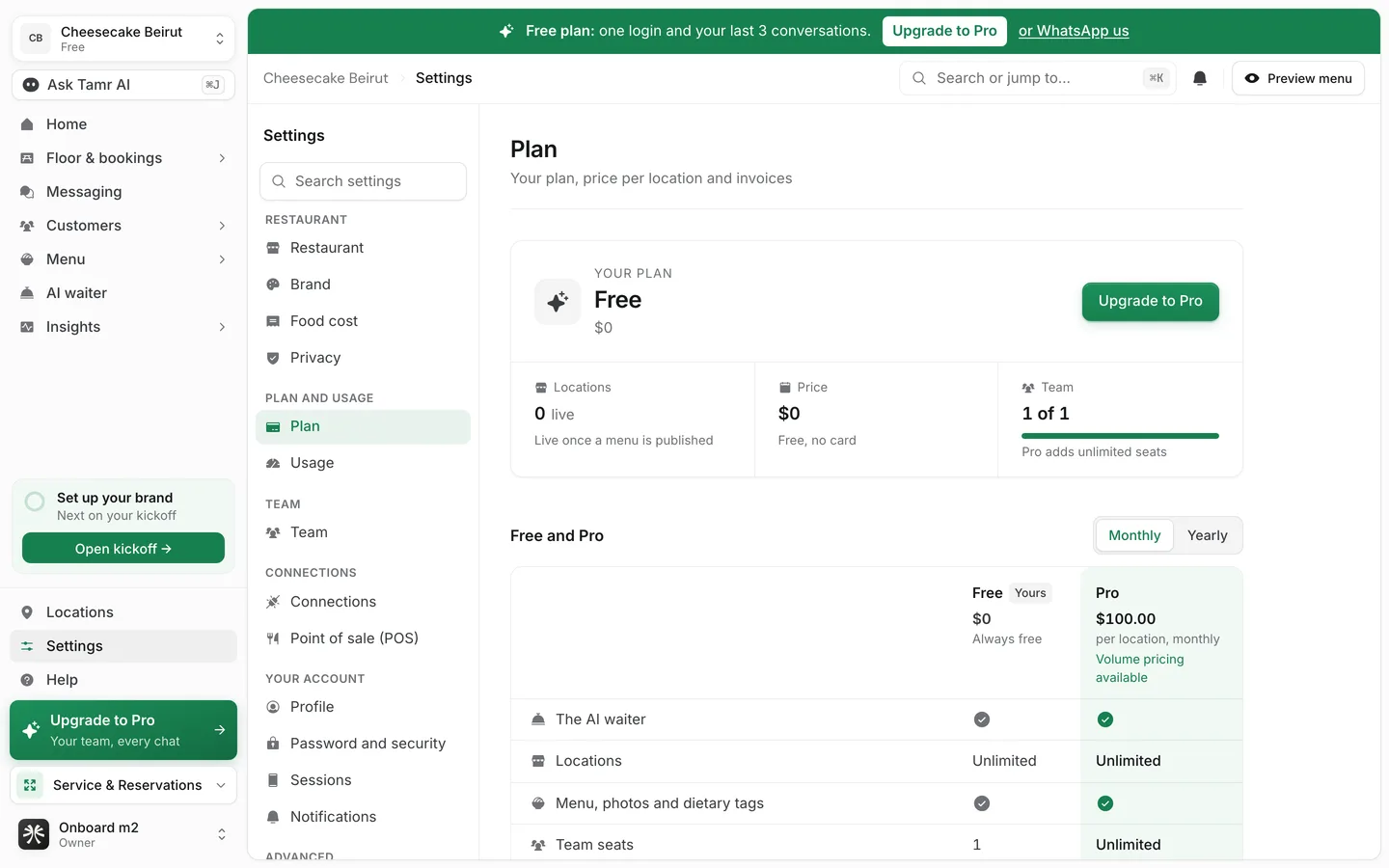
Settings
Everything is under Settings at the foot of the sidebar, in one list: your restaurant, plan and usage, team, connections, your own account and advanced options. See find your way around Settings →.
Your team
On Pro, invite colleagues and give each a role: Owner, Admin, Member, or a ready-made role such as Location manager, Menu editor or Reservations. Free has one login. See team and roles →.
Free and Pro
tamr has two plans. Free includes the AI waiter at every location, your menu, dietary tags and allergens, the Summary report, your three newest conversations and 5 Ask Tamr AI questions a day. Pro is per location and adds your team, every conversation, all Insights reports, Bookings, the Floor and Service, Campaigns and On the House, AI menu tools, POS sync and more.
Pro pages stay in the sidebar on Free with a small Pro mark and open to a preview. Get Pro sends a request: you leave a phone number and the team calls you. See plans and billing →.
Plans are not metered. Each location has a monthly fair use of AI waiter conversations (1,500 on Free, 5,000 on Pro) that exists only to stop abuse. There is nothing to buy on top.
Give a month, get a month
Invite another restaurant. When it publishes its menu, you both get a month of Pro. See referrals →.
Your data and privacy
Choose how long closed conversations are kept, strip phone numbers and emails from chats, and download your restaurant's data. See privacy and data →.
Related
Last reviewed October 14, 2026