
What is tamr?
What tamr does, the surfaces you and your customers use, the Free and Pro plans, and what tamr is not.
tamr turns your menu into something your customers can talk to. A customer scans the code on the table, opens your menu on their phone and asks the AI waiter a question in plain words. The AI waiter answers from your menu and your house rules. You run everything from one dashboard: the menu, the AI waiter, the floor, bookings, customers and what everyone asked.
There is no app for customers to download. They scan, read, ask and order with more confidence.
What your customers see
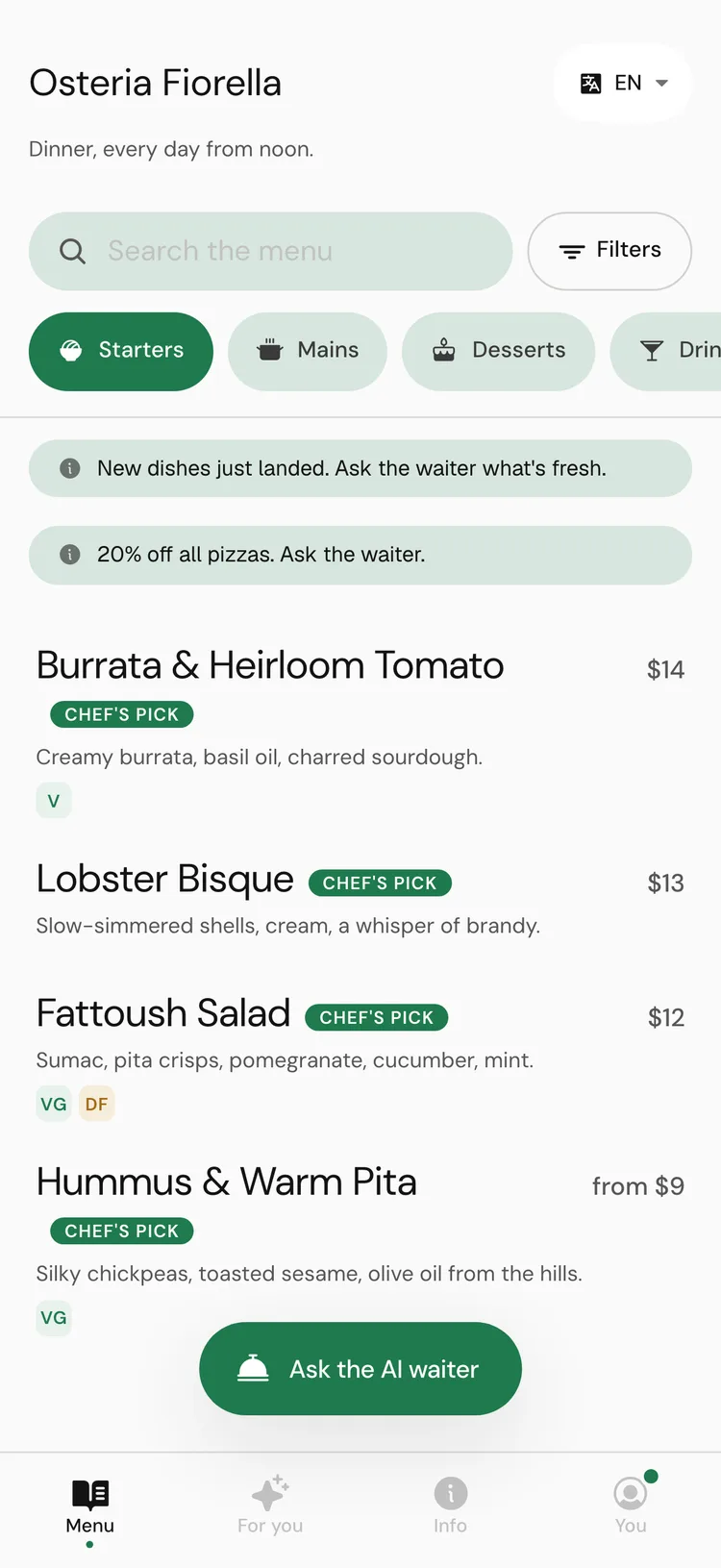
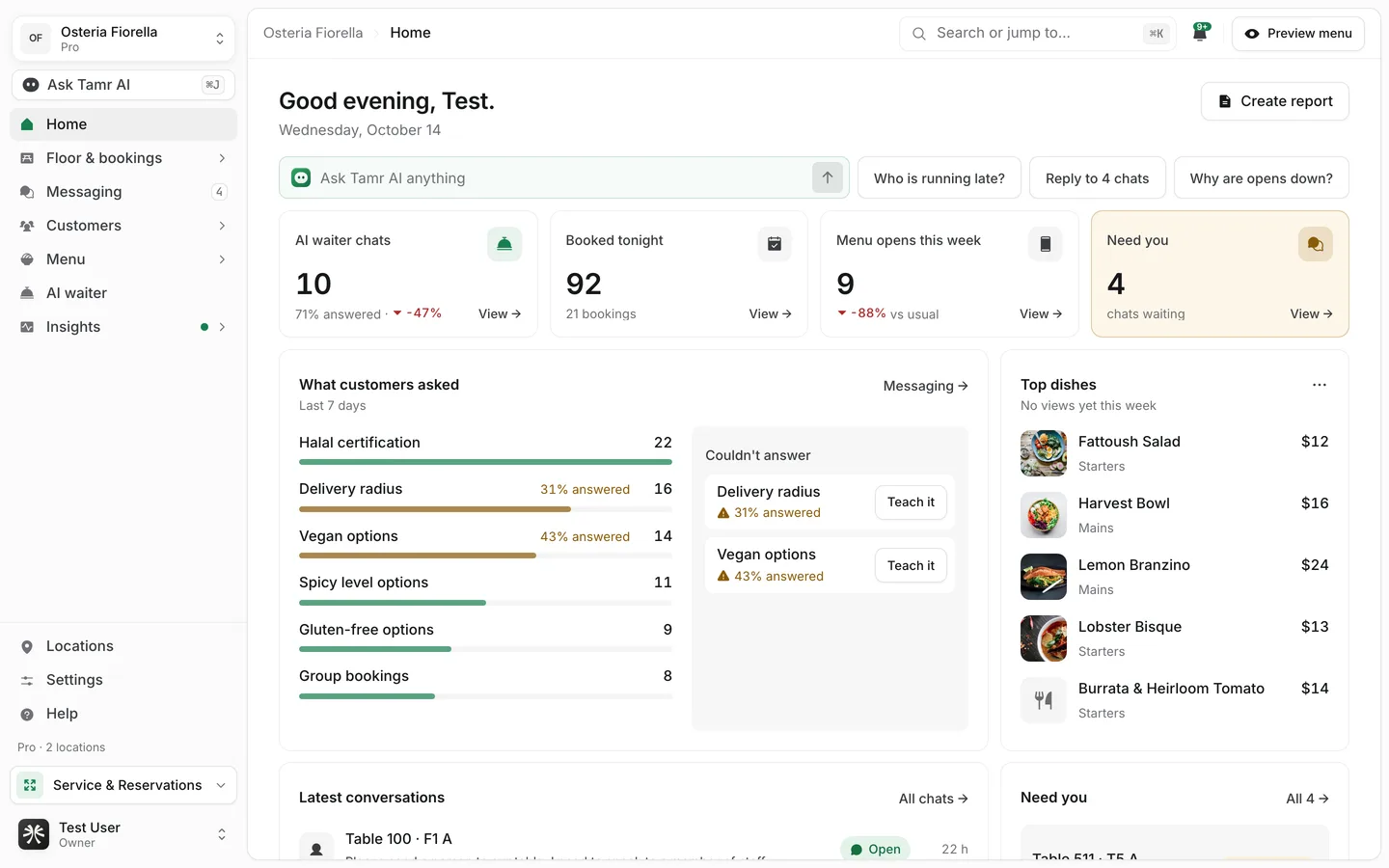
Your menuphoneThe AI waiterchatYour Links pageone linkWhat you run from the dashboard
Homeevery dayFloor & bookingsProMessagingchatsCustomersregularsMenubuildAI waiterserviceInsightsnumbersAsk Tamr AI sits above all of it. Ask about your numbers in plain words, or ask it to make a change, such as a price or a new dish. Nothing is saved until you approve it.
Free and Pro
tamr has two plans. Free gives every location your menu and the AI waiter. Pro adds the tools you run service and bring customers back with: bookings, the floor and the Service app, campaigns, every conversation in full and every Insights report. Pro is priced per location. See Core concepts → and Plans and billing →.
What tamr is not
- Not a static QR menu. A PDF behind a code cannot answer a question. Your tamr menu can.
- Not a delivery app. Your customers are at the table or on their way to it.
- Not a generic chatbot. The AI waiter works from your menu and your rules, in the tone you choose.
FAQ
Do my customers need an account?
No. They scan the code and the menu opens in their browser. Signing in on the menu is optional.
What happens when the AI waiter cannot answer?
The question shows up under Couldn't answer on Home, with Teach it next to it, so you can add what it was missing. See Home →.
How long does set-up take?
The sign-up wizard brings your menu in. The Kickoff checklist that follows estimates about 24 minutes for everything else. See Quick start →.
Related
Last reviewed October 14, 2026