
Integrations and connections
Everything tamr connects to, and where each one lives in Settings.
tamr connects to the tools you already run. Every connection lives on one page, Settings → Connections, with its status on the row and its details in a centred dialog.
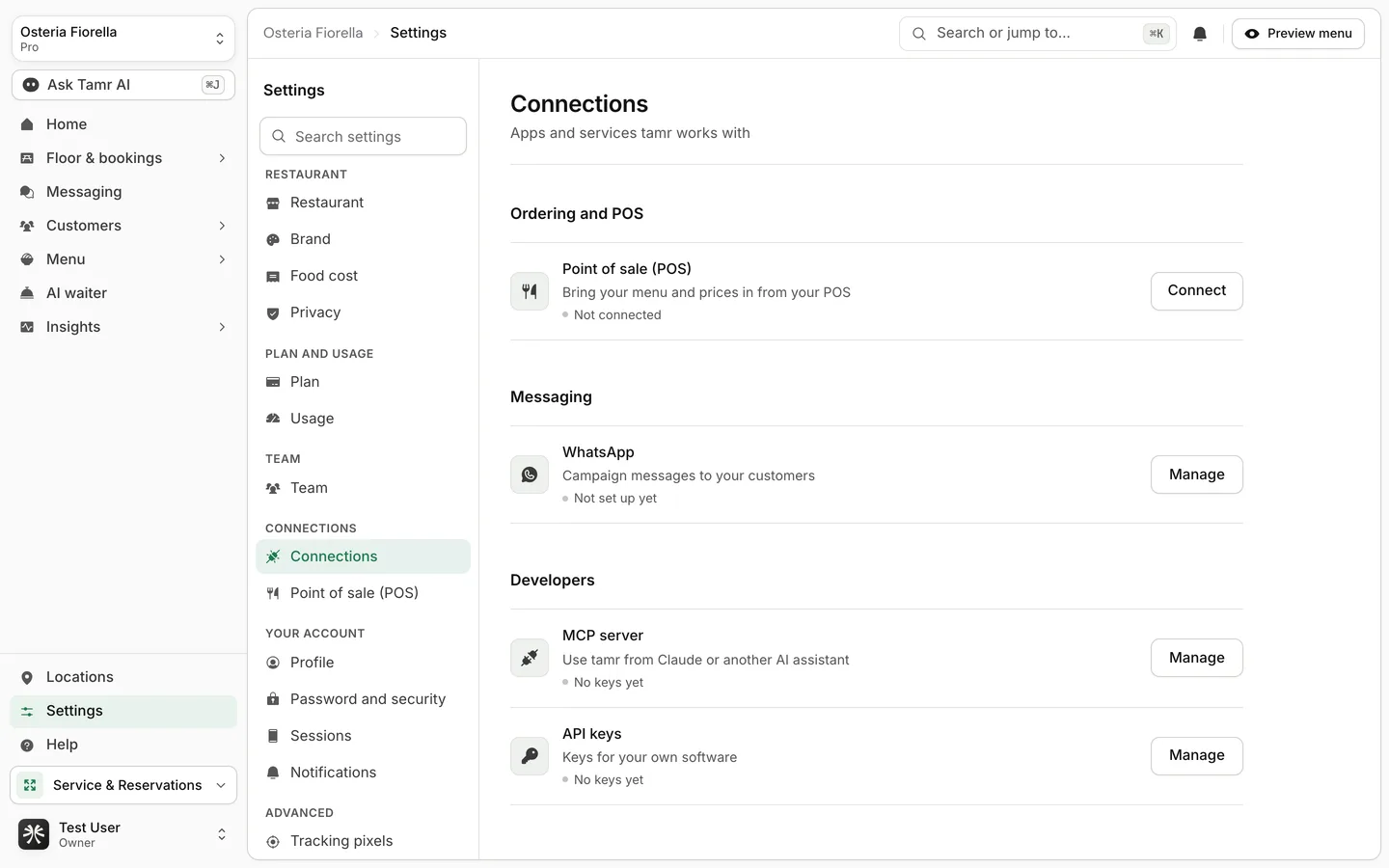
What you can connect
| Connection | What it does | Where | Plan |
|---|---|---|---|
| Point of sale (POS) | Brings dishes, prices and categories in from your till | Connections → Connect | Pro |
| Sends campaign messages to the customers you pick | Connections → Manage | Pro | |
| MCP server | Lets Claude or another AI assistant read and change your restaurant | Connections → Manage | Pro |
| API keys | Keys for your own software and for the MCP server | Connections → API keys | Pro |
| Tracking pixels | Sends menu activity to Meta, Google, TikTok and Snap | Settings → Advanced → Tracking pixels | Free and Pro |
POS sync, WhatsApp and MCP or agent access are part of Pro. On Free the rows stay visible and Connect shows a lock with Part of Pro. See plans and billing →.
Connection states
ConnectedstatusLast sync failedstatusNot connected / Not set up yet / No keys yetstatusThe WhatsApp row shows whether campaign messages can be sent. Messages go out from tamr's WhatsApp number, only to customers you pick, and never to anyone who opted out. Open Manage to see the status, then Open campaigns to send. See campaigns →.
FAQ
Where did POS integrations and API keys go?
Both are under Settings → Connections. Point of sale (POS) also has its own row in the Settings list, under Connections.
My POS is not listed.
tamr connects to Foodics, BIM POS, Square, Loyverse, Toast, Clover and Lightspeed Restaurant (K-Series). For anything else, import your menu → from a PDF, photos or a link, and tell us → which system you use.
Related
Last reviewed October 14, 2026