
API keys and MCP
Creating, copying and revoking keys, access levels, and the MCP server.
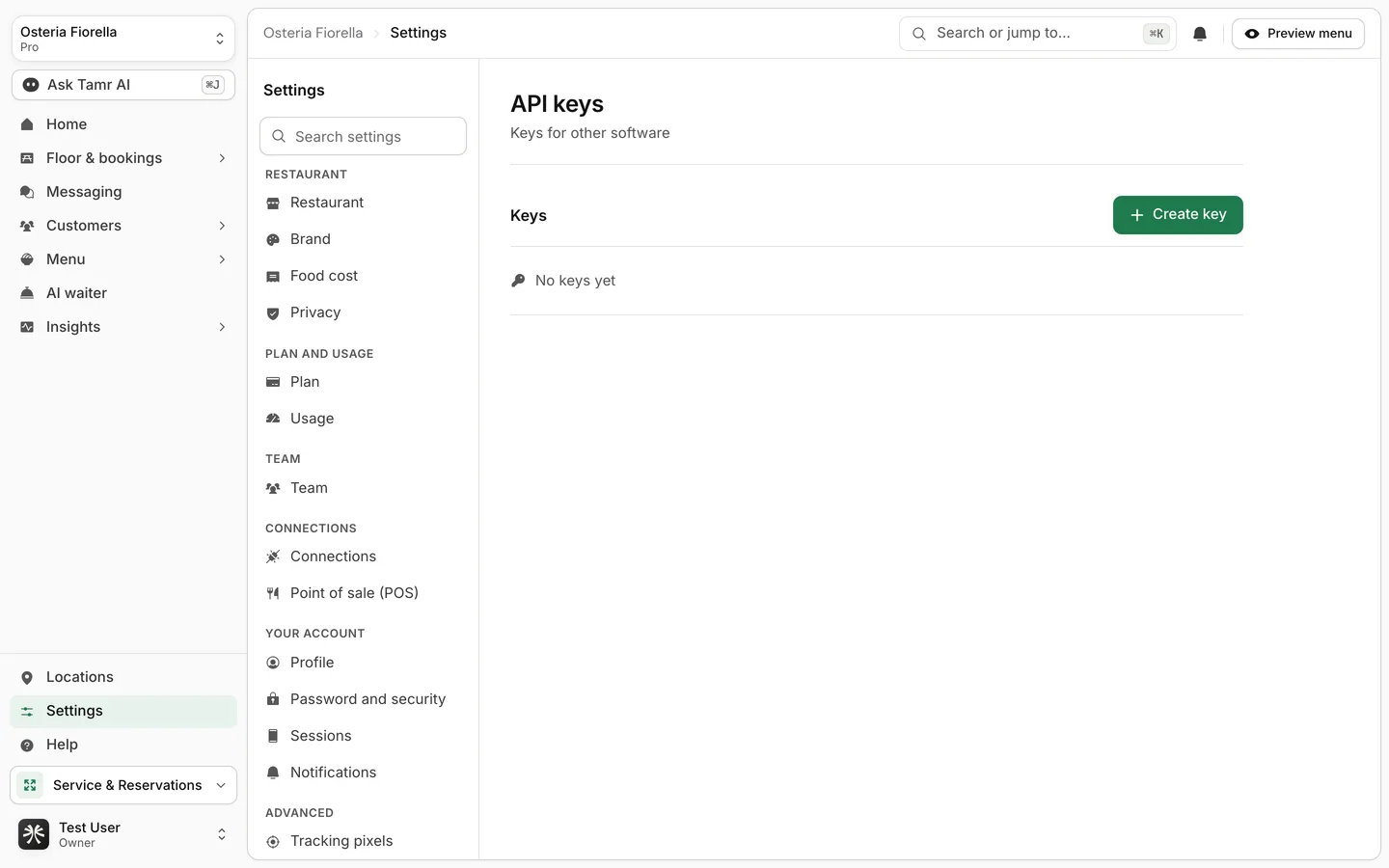
API keys let your own software, or an AI assistant like Claude, work with your restaurant in tamr. Manage them from Settings → Connections, under Developers.
MCP and agent access are part of Pro.
Create a key
- 1Open API keys
In Settings → Connections, select Manage on API keys, then Create key.
- 2Name it and pick its access
Give it a name you will recognise later, for example "Claude on my laptop", and choose an Access level.
- 3Copy it now
The key is shown once. Select Copy key, store it somewhere safe, then Done.
Read onlyaccessRead and changeaccessFull accessaccessA key acts on your restaurant. Never paste it into a public place, and revoke any key you think has leaked.
Connect an AI assistant over MCP
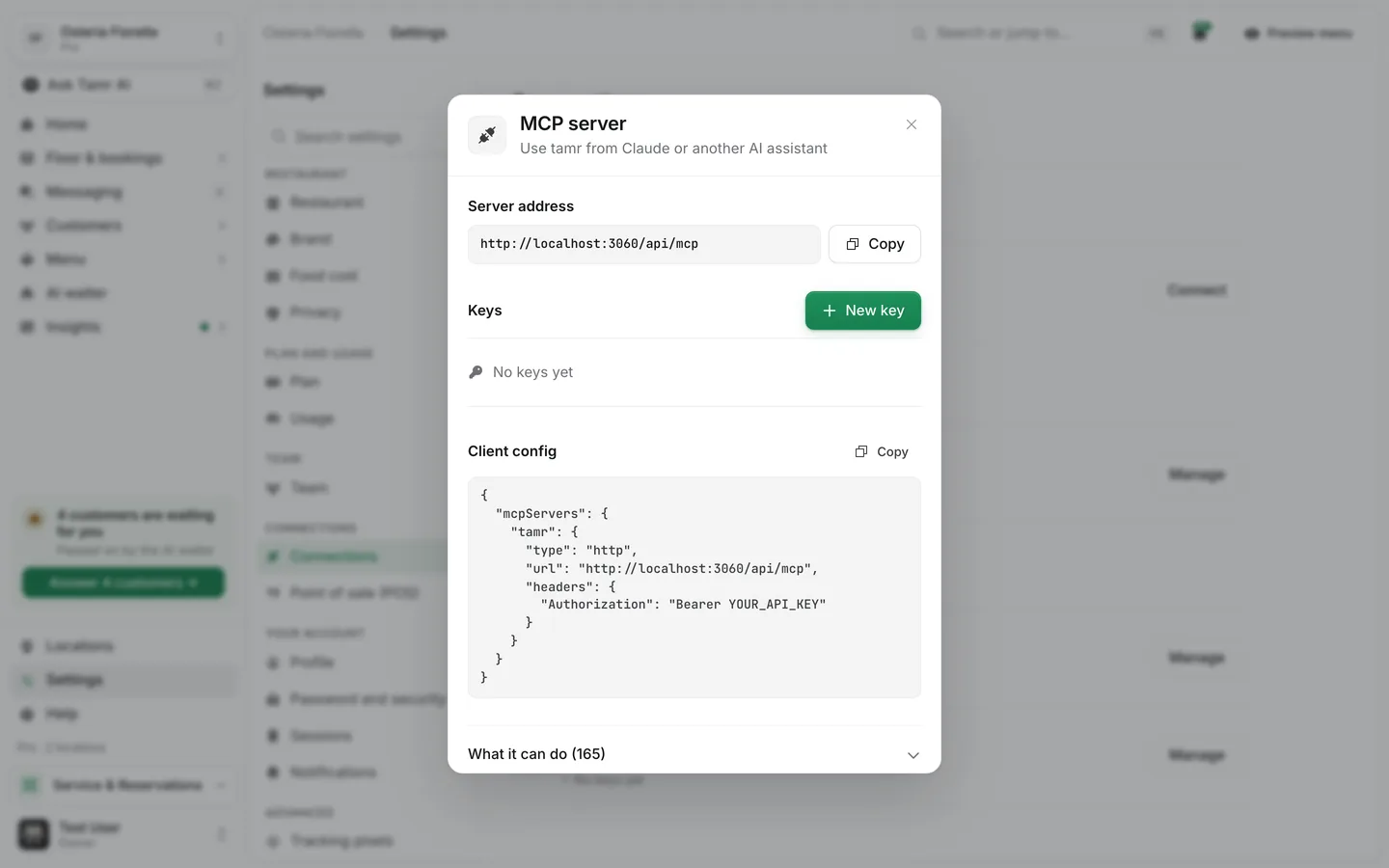
The MCP server row lets Claude or another AI assistant use tamr's tools, the same ones Ask Tamr AI uses.
- 1Open the MCP server
In Settings → Connections, select Manage on MCP server.
- 2Copy the server address
Select Copy beside Server address, or copy the whole Client config.
- 3Add a key
Create a key with New key and put it in place of
YOUR_API_KEYin the config. - 4Paste it into your assistant
Add the config to your AI assistant's MCP settings. Open What it can do in the dialog to see every tool it gets, split into Read and Change.
FAQ
I lost my key. Can I see it again?
No. The full value is shown once. Revoke that key and create a new one.
How do I switch keys without downtime?
Create the new key, move your software to it, then revoke the old one.
Who can see the keys?
Owners and admins see every key. Other members see only keys they created.
Related
Last reviewed October 14, 2026