
Track food cost and margins
The Food cost page, the restaurant figure and category defaults, costs per dish as an amount or a percent, the target, Dishes to act on, and connecting a POS.
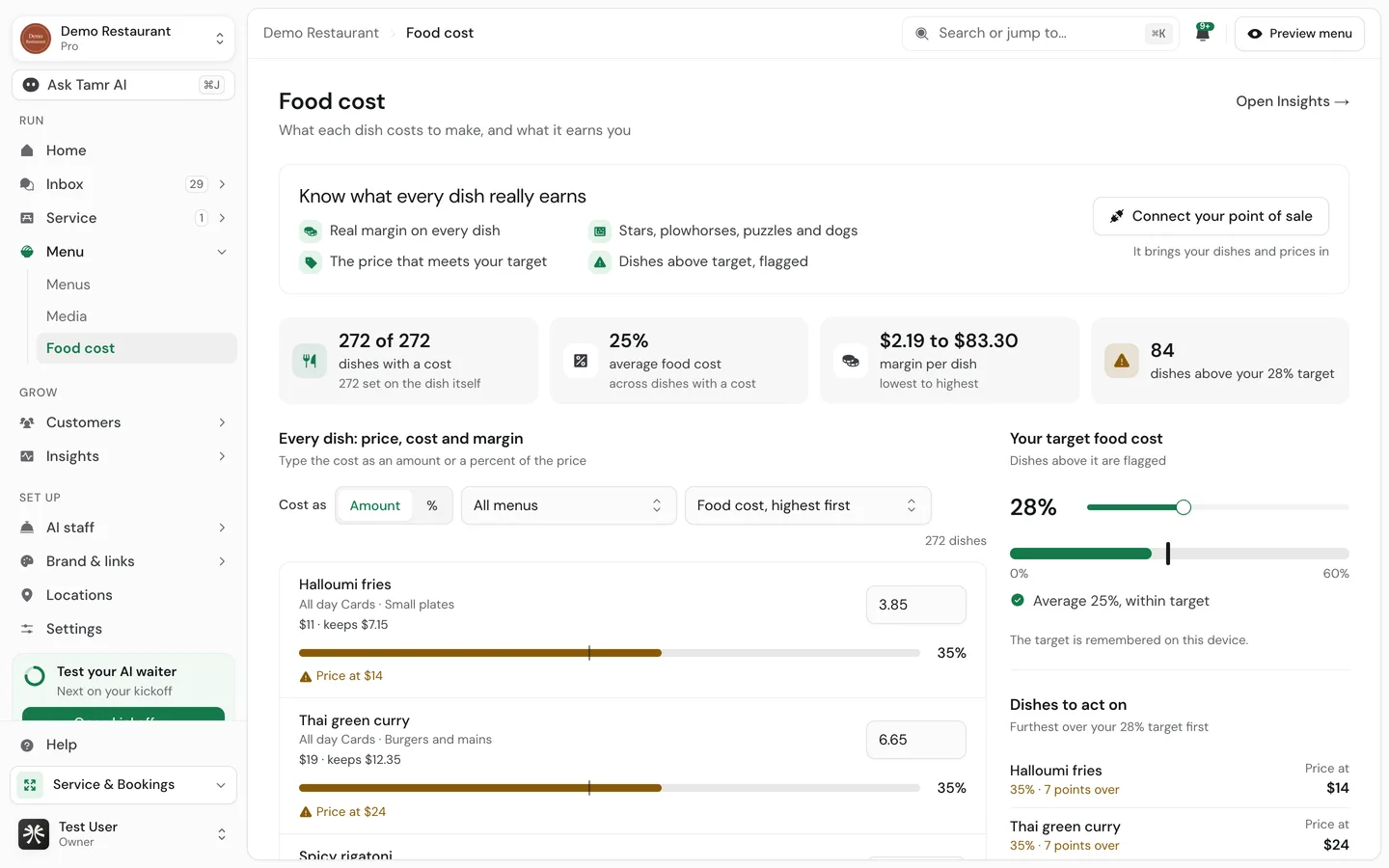
Food cost shows what each dish costs to make and what it earns you. Open it from Menu → Food cost in the sidebar. Customers never see any of it.
Why it matters
With costs in, tamr can show you the real margin on every dish, sort your dishes into stars, plowhorses, puzzles and dogs, give the price that meets your target, and flag dishes above target. Without costs, Insights can only count what customers picked.
Connect your point of sale on the page brings your dishes and prices in, so you only add each cost. See Connect your POS →.
Set the figures
Restaurant food costpercentDefaults by categorypercentCost per dishamount · percentYour target food costpercentRead the dishes
The table lists every dish with its Price, Food cost and Margin: what each sale contributes after ingredients, price minus food cost. Sizes use the lowest price. Use Show dishes from to pick a menu, and Sort dishes by to put the highest food cost or the lowest margin first.
Dishes to act on lists the dishes above your target, furthest over first, each with the price that would bring it back to target. When nothing is over, it says Every dish is within target.
FAQ
Is the average weighted by what sells?
No. The average food cost is a plain average across dishes, not weighted by sales.
Do customers see my costs?
No. Food cost is only on your side of the dashboard.
Related
Last reviewed November 2, 2026